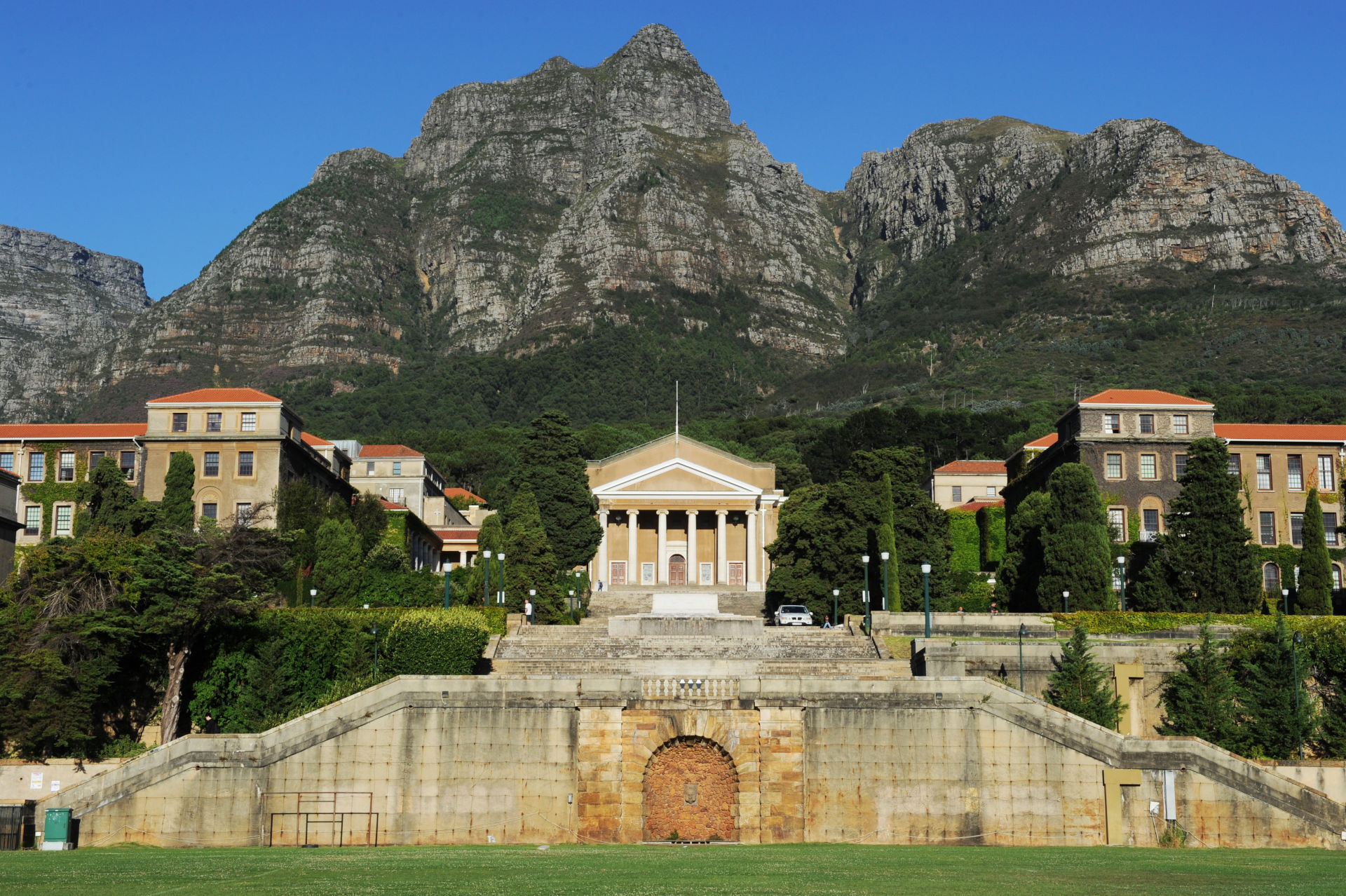
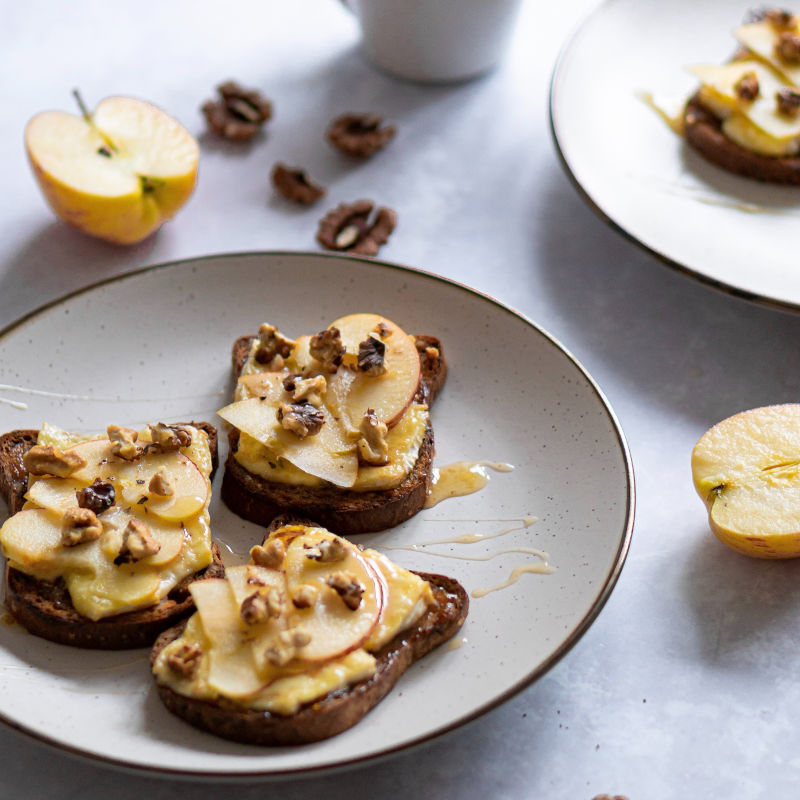
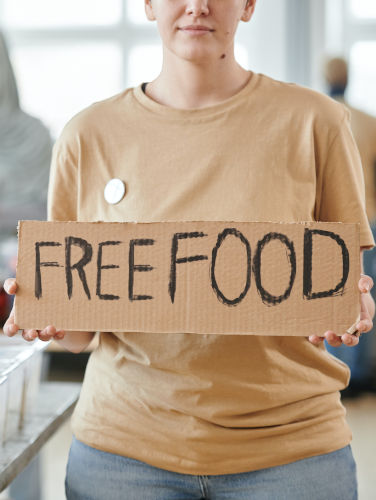
I optimised the first image as a hero image because it is designed to create a strong first impression when visitors open the webpage. It was resized to fill the full width of the page while maintaining good image quality and reducing the file size to improve loading speed. The second image was optimised into a square because square images are commonly used for galleries and product displays, providing a balanced appearance. The third image was optimised as a skyscraper banner with dimensions of 200 by 500 pixels, making it suitable for advertisements or promotional content displayed along the side of a webpage.
To identify and correct images with poor optimisation, I would first check the image dimensions, file size, and file format to ensure they are suitable for web use. If an image loads slowly or appears distorted, I would resize or crop it and export it correctly. I would also make sure that the HTML file references the correct image names and file paths, checking for spelling mistakes or incorrect file extensions. Finally, I would test the webpage in different browsers to confirm that every image loads quickly, displays correctly, and provides a good user experience.